
Point Management
SHP
Map Tools
WMS
Labeling Objects
GML
WFS
GIS Symbols
Raster Backgrounds
What is ZWGeo?
It’s a specialized surveying solution for ZWCAD, created to make everyday geodetic work faster, easier and more consistent
It extends the familiar ZWCAD environment with dedicated tools for surveying data, point management, and other elements used in geodetic projects. Instead of processing measurements and building drawings manually, you can work with tools designed specifically for the way surveyors actually work.
Built for ZWCAD
Created for the CAD environment you already know.
Designed for surveyors
Application focused on real-world surveying workflows.
Consulted with specialists
Developed with input from surveying professionals.
Key features
All you need for efficient surveying workflows – from field data and points to accurate drawings and documentation
GIS Data Management
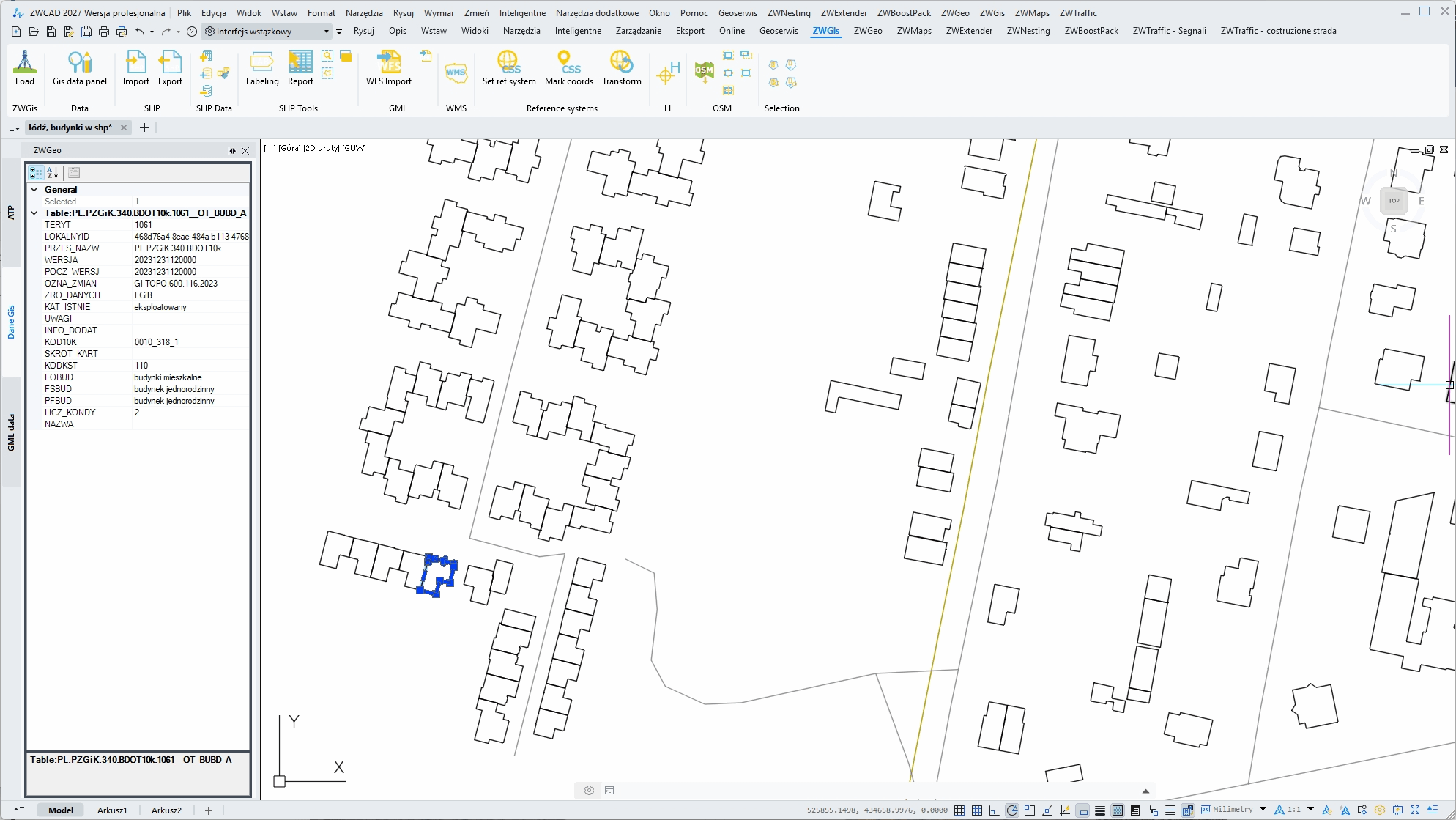
Import SHP and WFS data directly into ZWCAD and keep the information behind your GIS files organized. Access and manage metadata alongside your CAD work without switching between different applications and work faster.
Automatic Labeling
Add labels to objects automatically based on the information they contain. Label lines by layer, length, metadata or other properties, making it faster and easier to create clear, consistent and informative drawings.
GML Import & Export
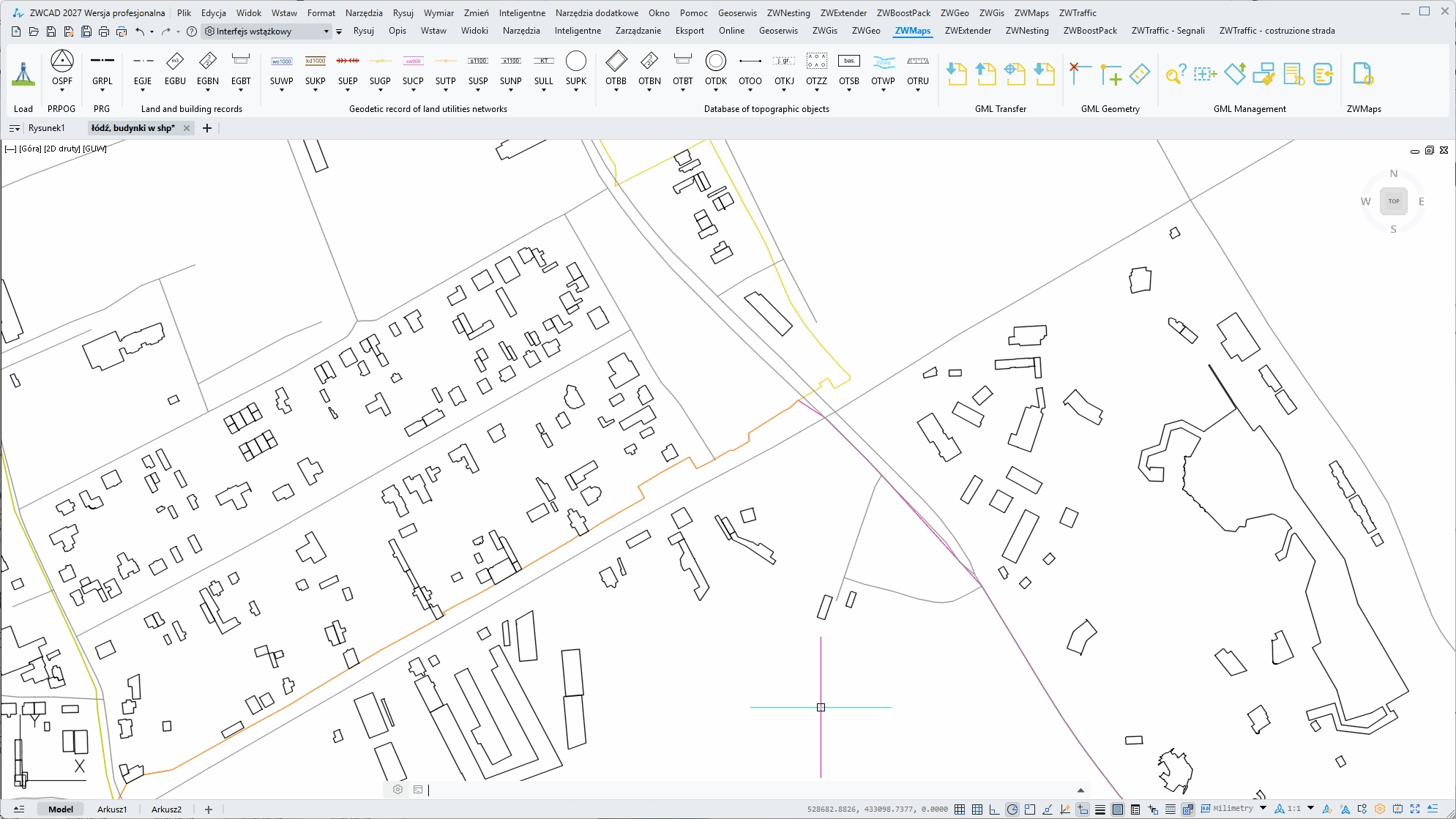
Bring GML Geometry data directly into your ZWCAD projects and export it when needed. ZWGeo makes it easier to exchange geodetic data with other applications while keeping your CAD workflow in one familiar environment.
Point Management
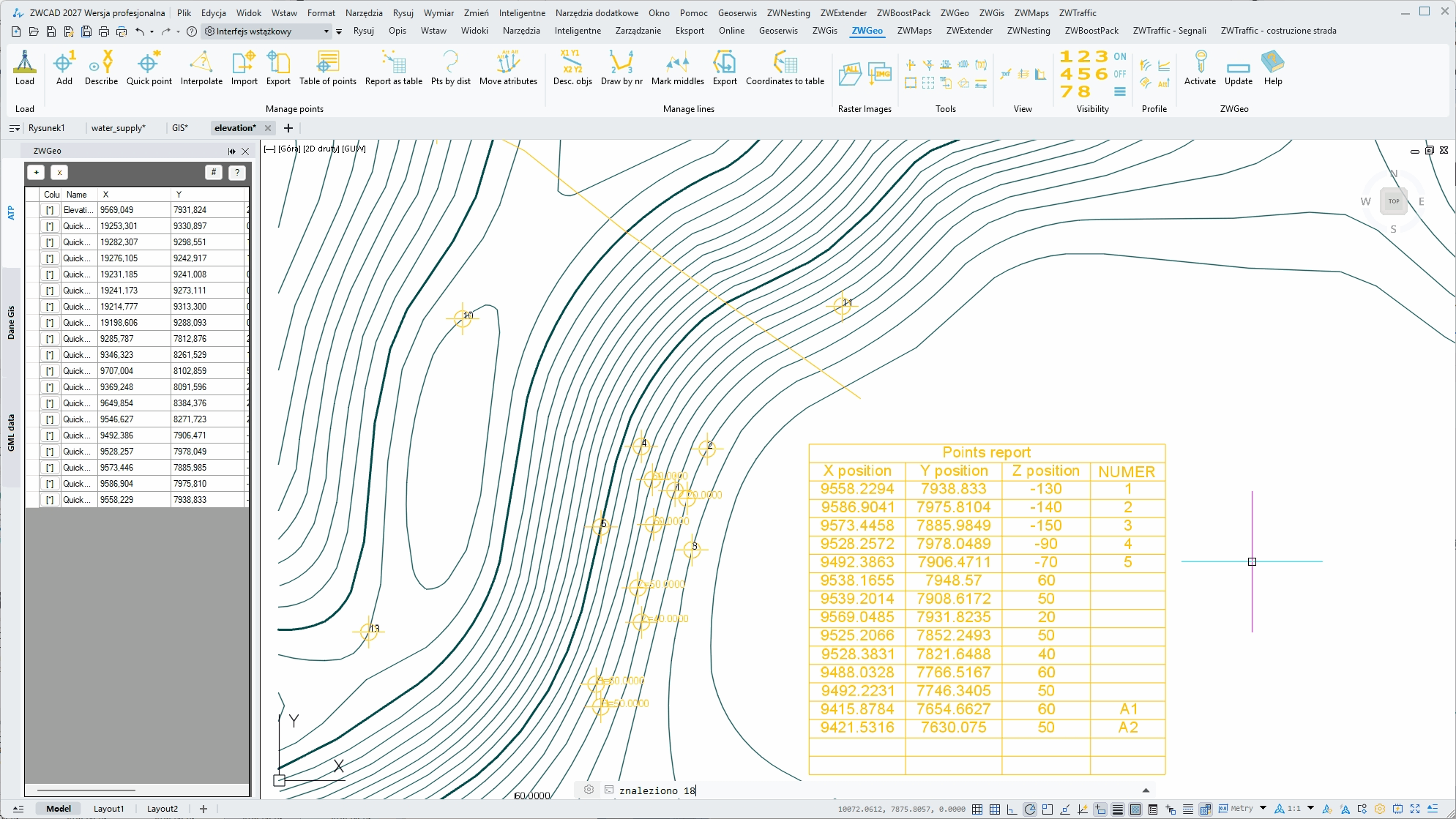
Manage survey points efficiently with flexible labeling options and the Active Table Panel. View, edit and organize point data in a convenient interface while keeping your CAD drawing synchronized with the information you work with.
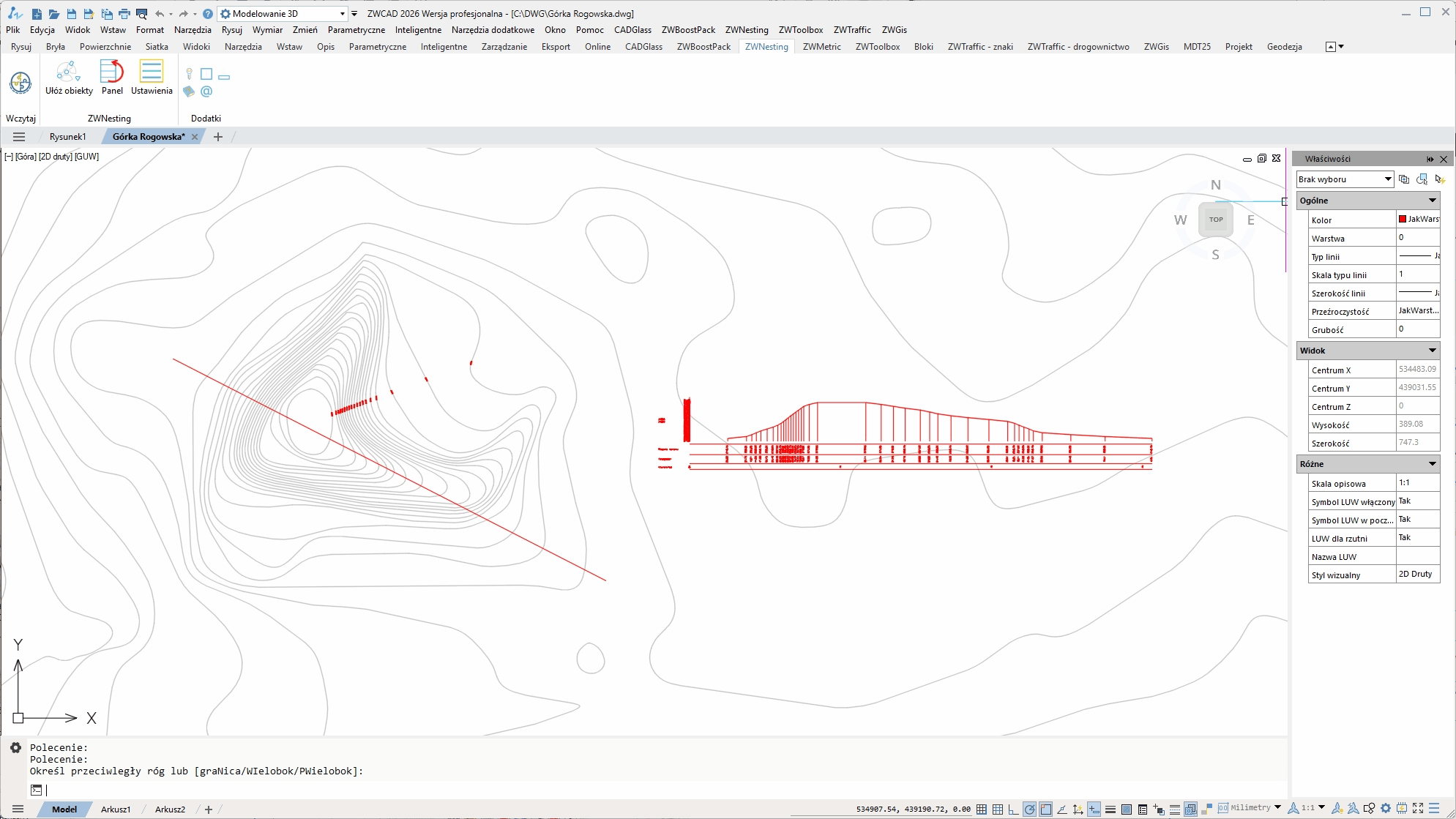
Terrain Profiles
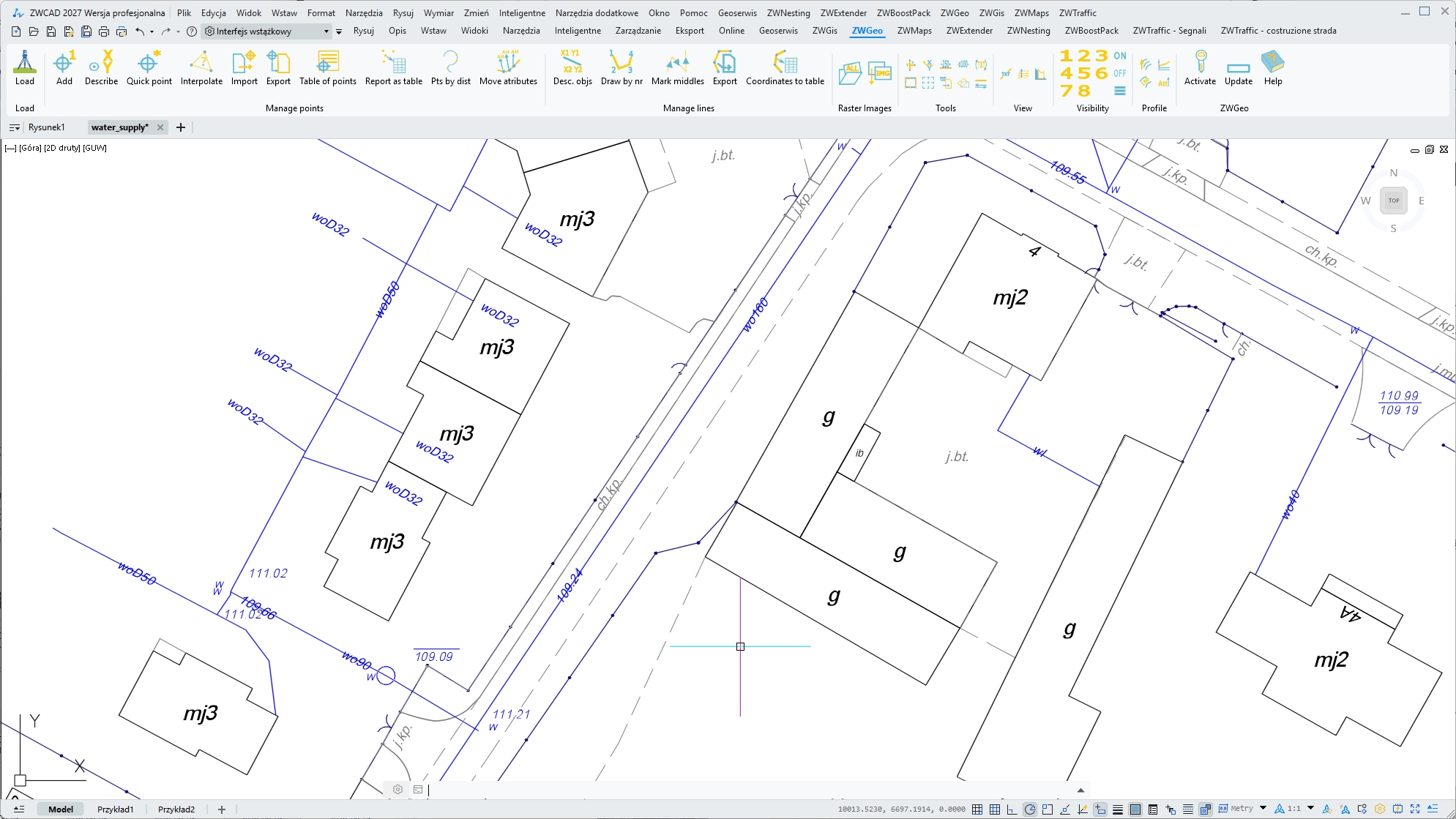
Create elevation profiles quickly and work with contour elevations directly in your drawing. Easily assign elevations to contour lines and add clear height labels with simple, dedicated tools that make working with terrain data faster and more convenient.
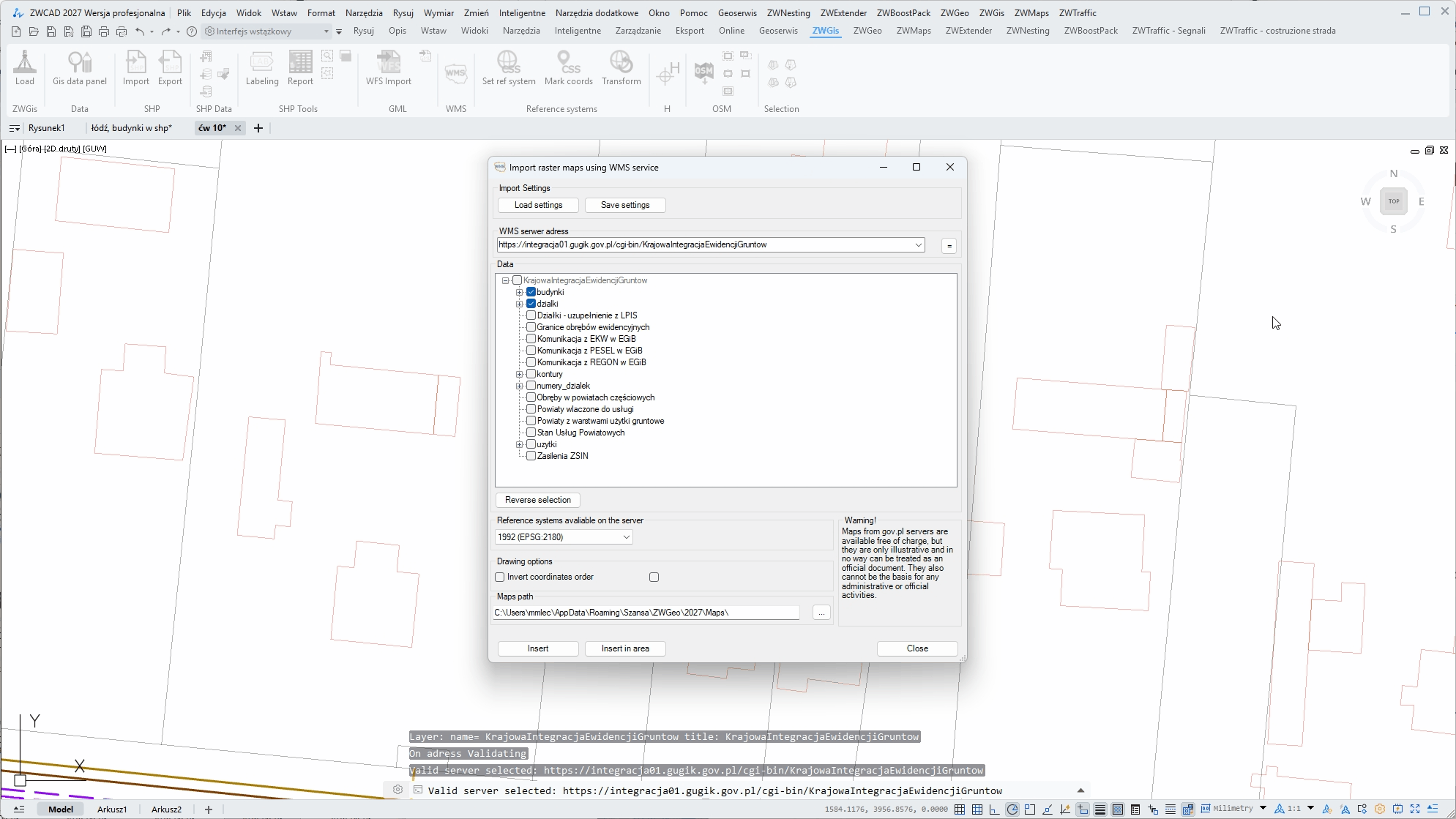
WMS Import
Access map data from available WMS servers and import it directly into your ZWCAD drawing. Add geographic information to your projects quickly, without switching between different applications or complicated workflows.
Look how ZWGeo can help you work better
Import WFS directly
You can download WFS data to your ZWCAD project directly from ZWGeo. Use predefined servers for different countries or type adress of your choice and work better.
Create an array of crosses easily
Create an array of crosses in order to determine the ground coordinates and spatial orientation accurately with one comand with adjustable settings.
Label contour lines comfortably
Use functions from Profile module to work on 3D profiles. With one function you can label entire set of contour lines in chosen points with their height.
ZWGeo has 250 functions
and that were only 3
Who is ZWGeo for?
Whether you work with field measurements, geodetic documentation or CAD drafting, ZWGeo gives you the tools to work with survey data faster and more efficiently

Surveyors
Process measurement data, manage points and coordinates, and turn field measurements into accurate CAD drawings.
Field technicians
Prepare geodetic documentation, organize survey data and create clear CAD drawings without repetitive manual work.

Surveying Offices
Standardize everyday surveying workflows and make it easier for teams to work consistently across projects and documentation.

CAD Professionals
Extend your ZWCAD with dedicated surveying tools without leaving the CAD environment you already know.
Read our guides!
Check our guides for ZWGeo application, and see what it does and how it does it.
System requirements
Run the application from desktop icon
|
ZWCAD version |
Professional or MFG |
|---|---|
|
Licence |
Perpetual |
|
Language |
Czech/English/Polish |
|
System |
Windows |
|
Price |
179 Euro net |
Interested?
Contact us for the offer or download and test the application for 30 days!